Picture books starring your child
Add one photo. Storyo paints your child into the story as the main character, and you read it together.
Coming soon to the App Store, for iPhone and iPad
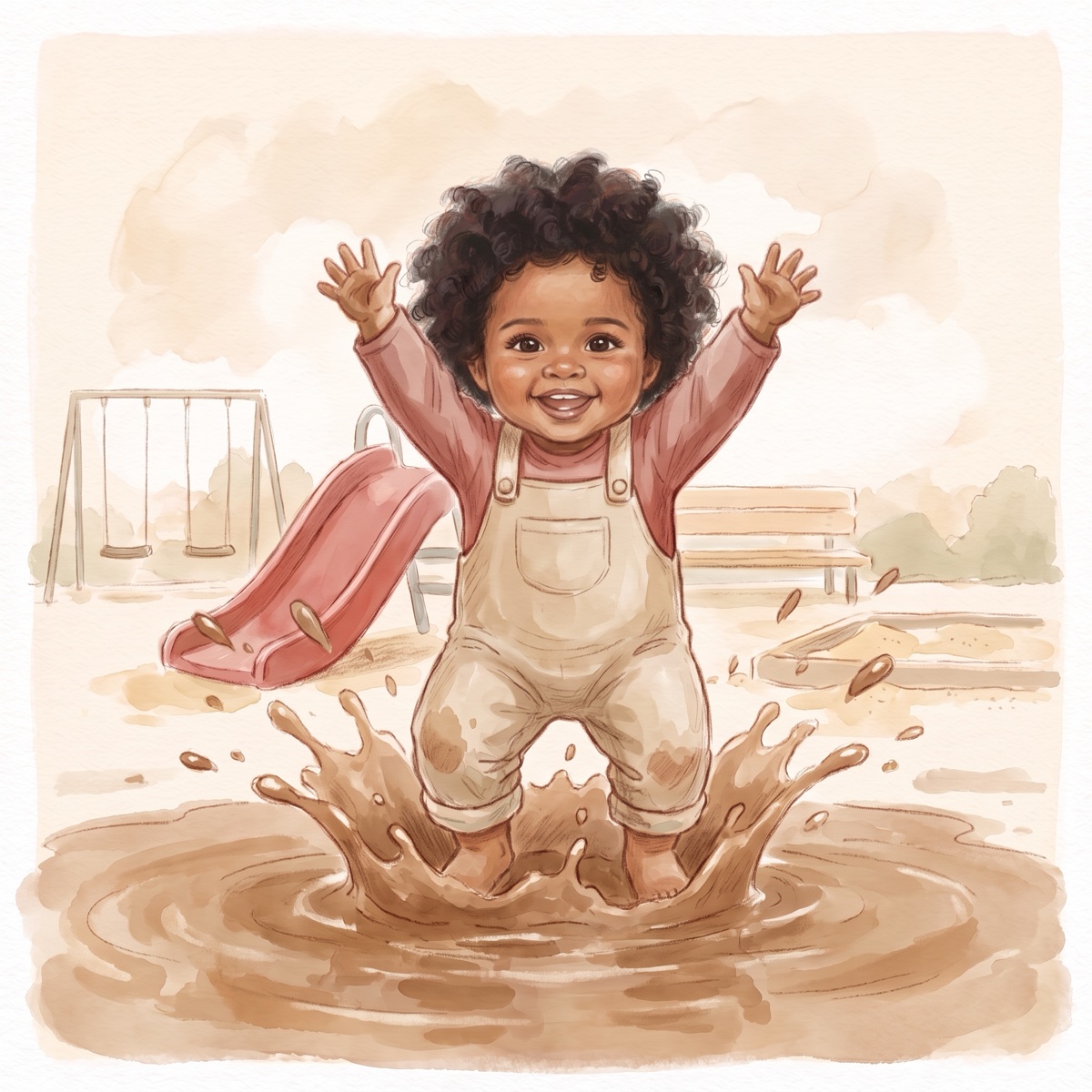
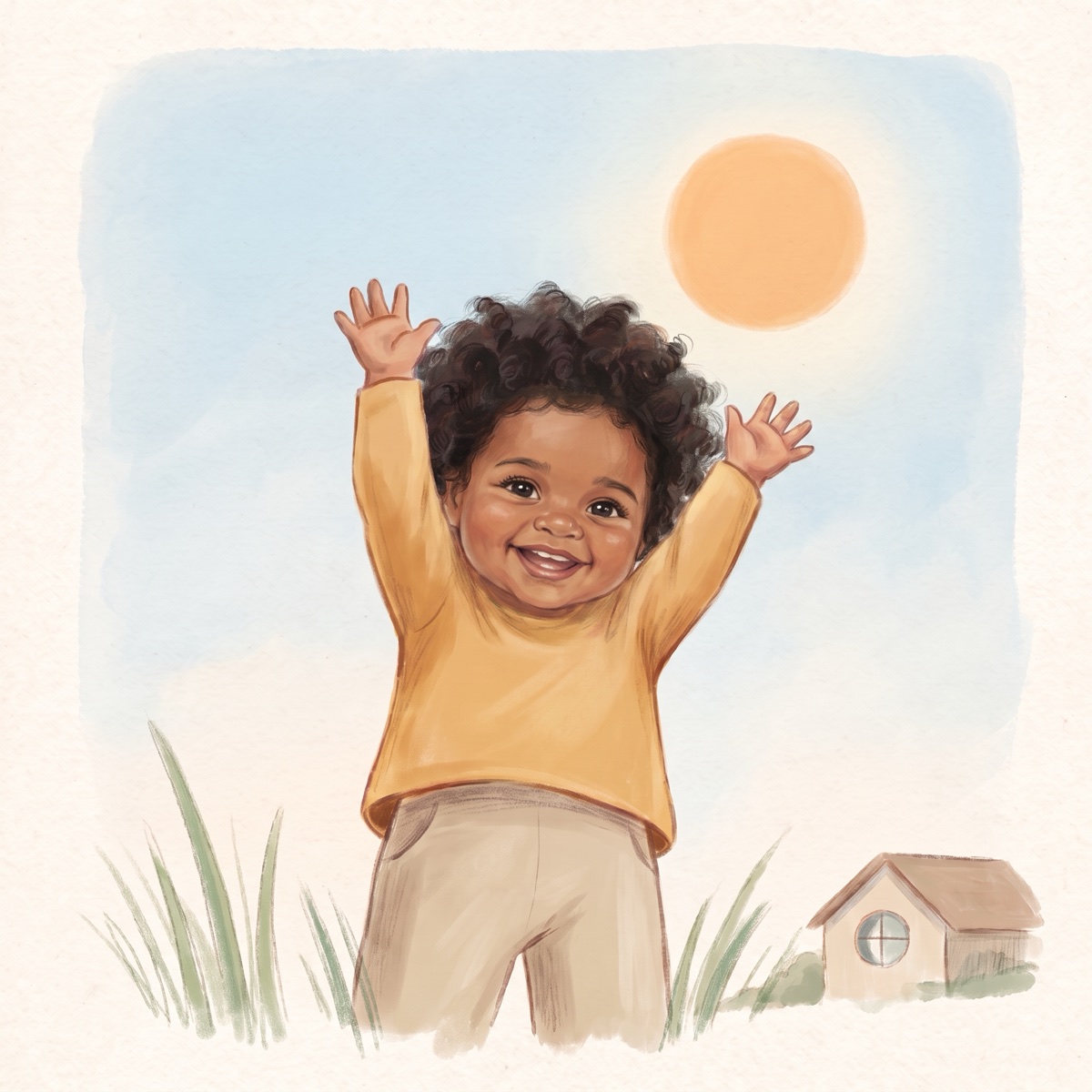
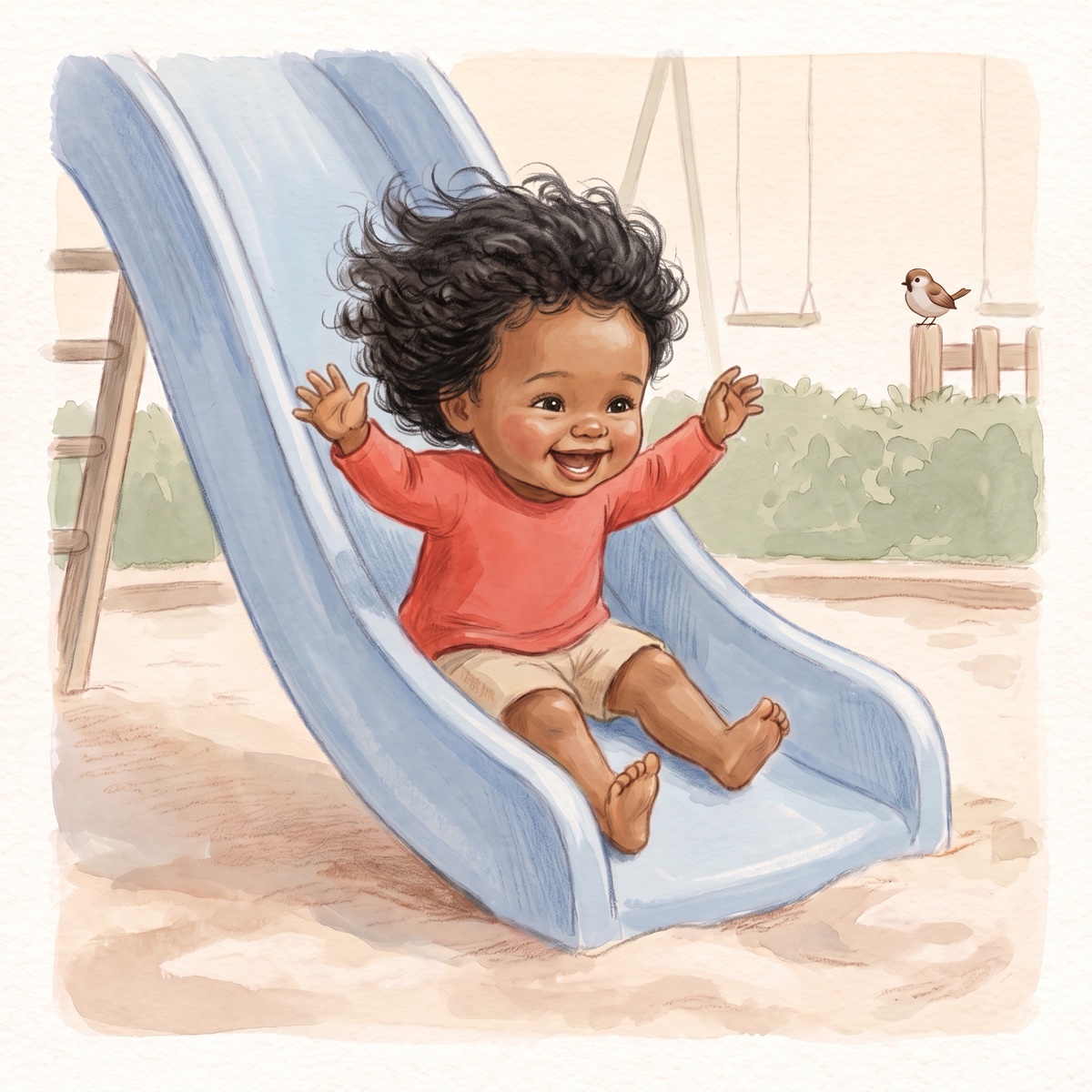
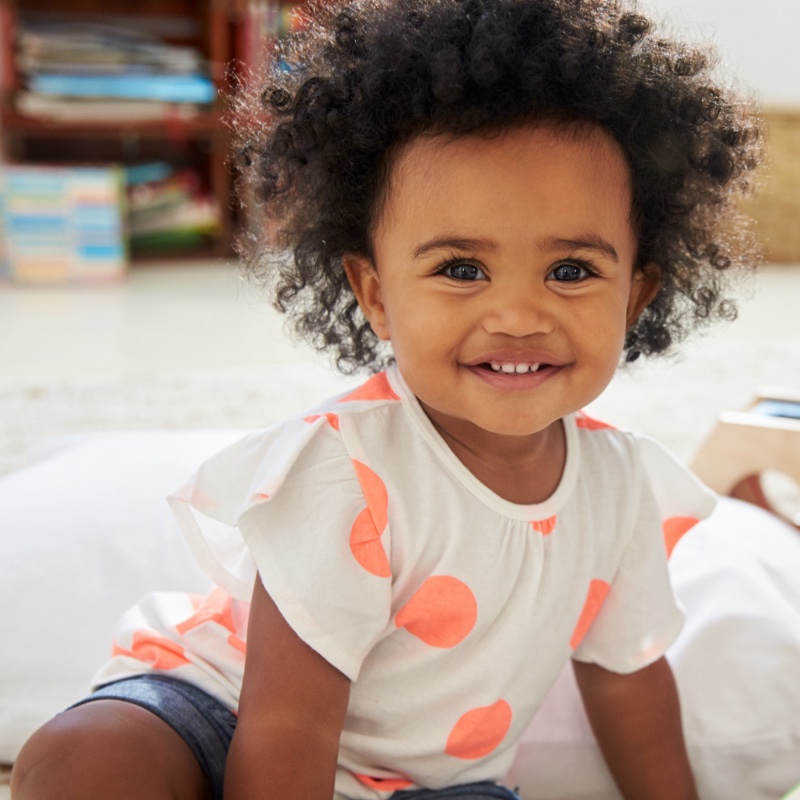
The pages are real Storyo output. The children are stock-photo models.
From a photo to a finished book
-
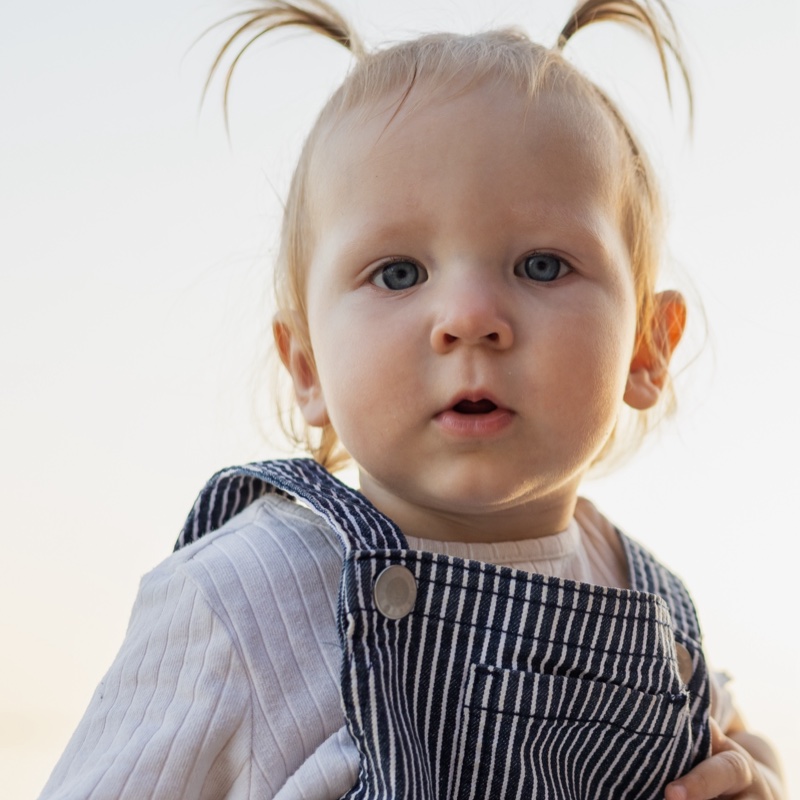
Add a photo
One clear photo, facing the camera, is enough. You can add up to three more from other angles.
-
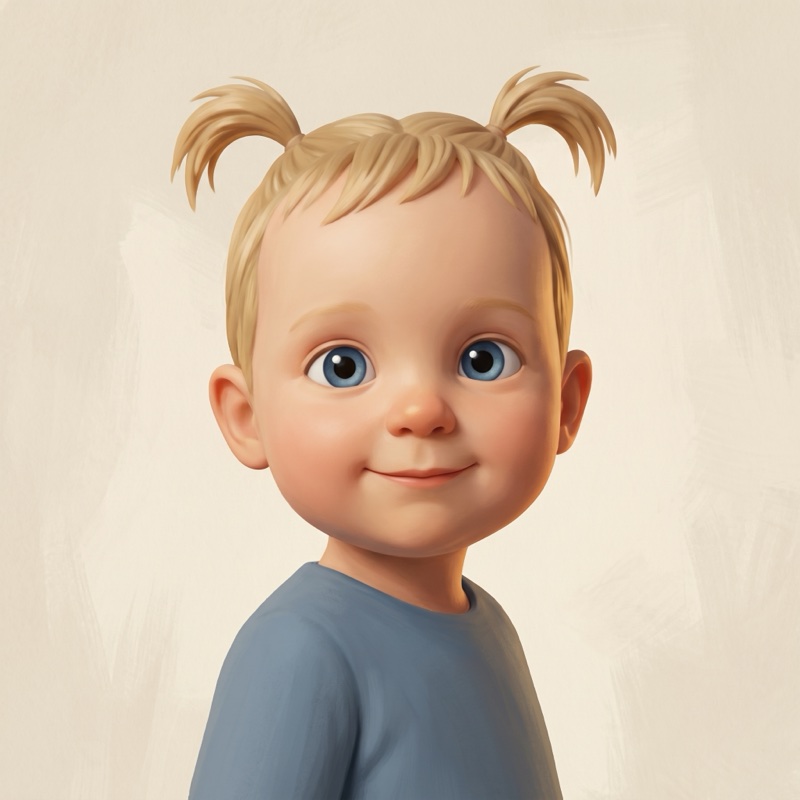
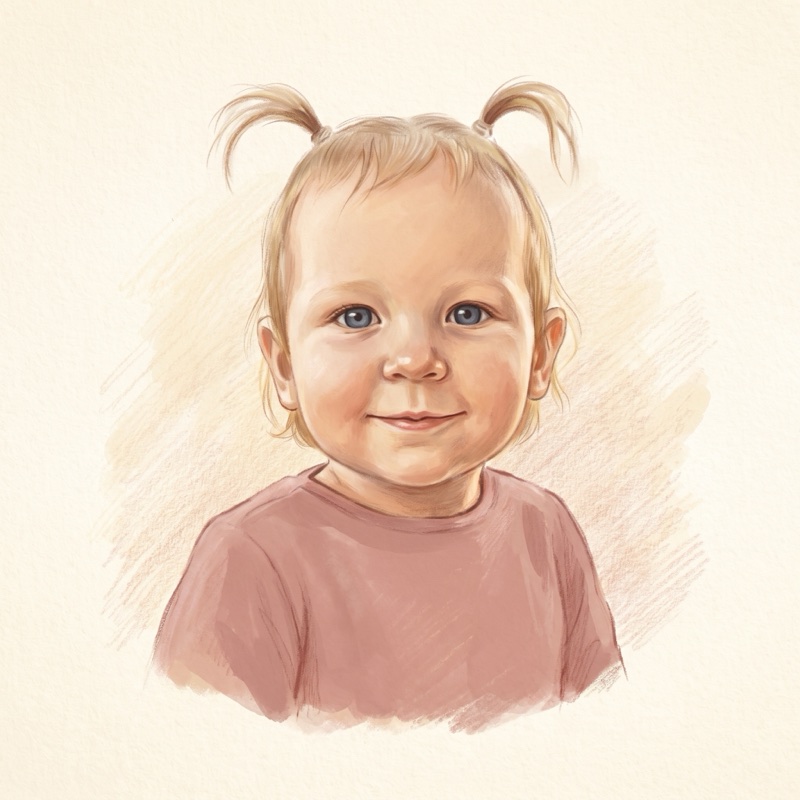
Meet the character
Storyo draws your child as a storybook character: sculpted for adventures, soft and painted for the littlest books. If it isn't quite right, ask for another try.
-
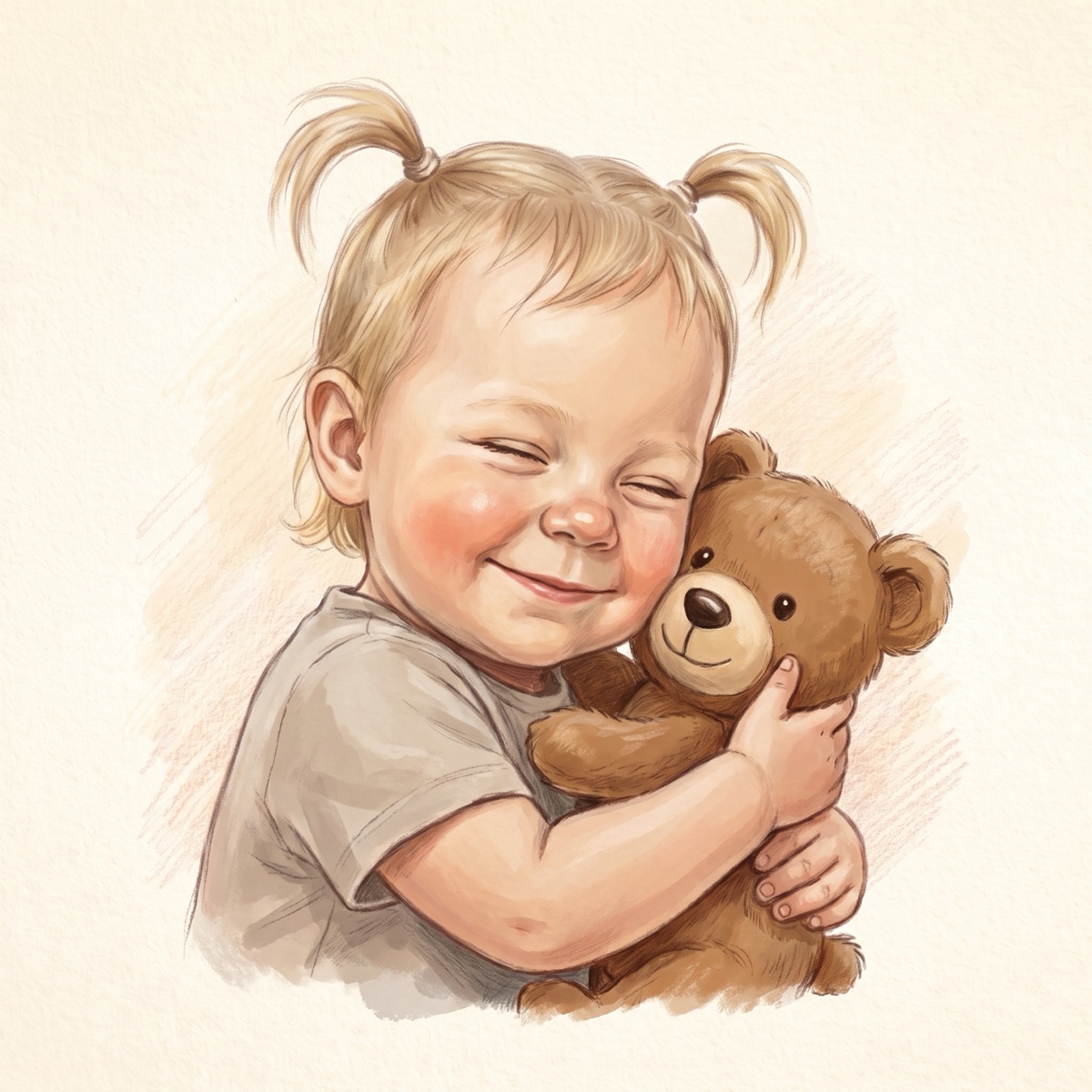
Pick a story
Choose a book and your child steps into it. The pages are painted while you wait, then saved to read again any time, even offline.
At its best on an iPad, on the couch
Storyo opens like a picture book: art on one side, words on the other, and nothing else on the page.
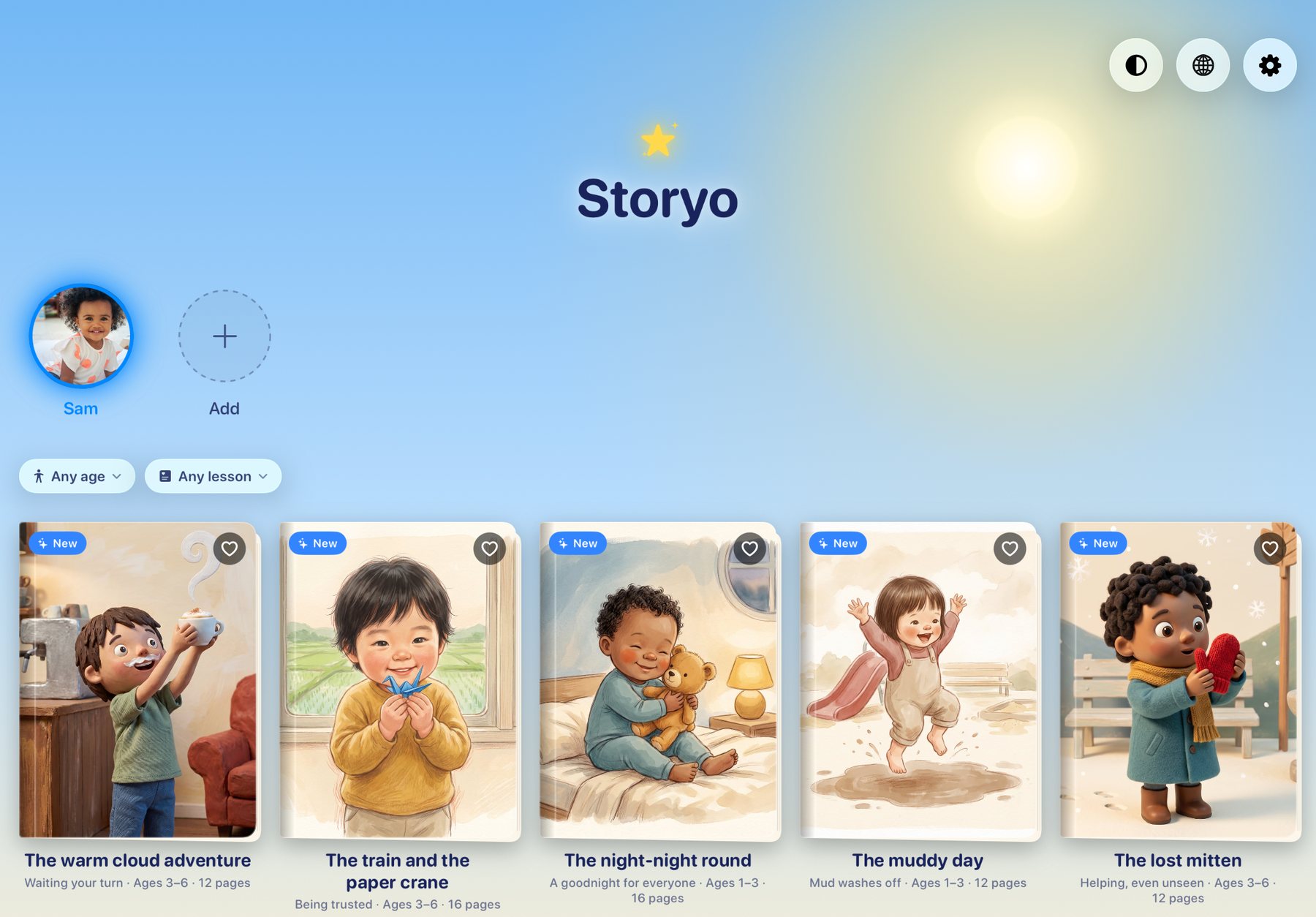
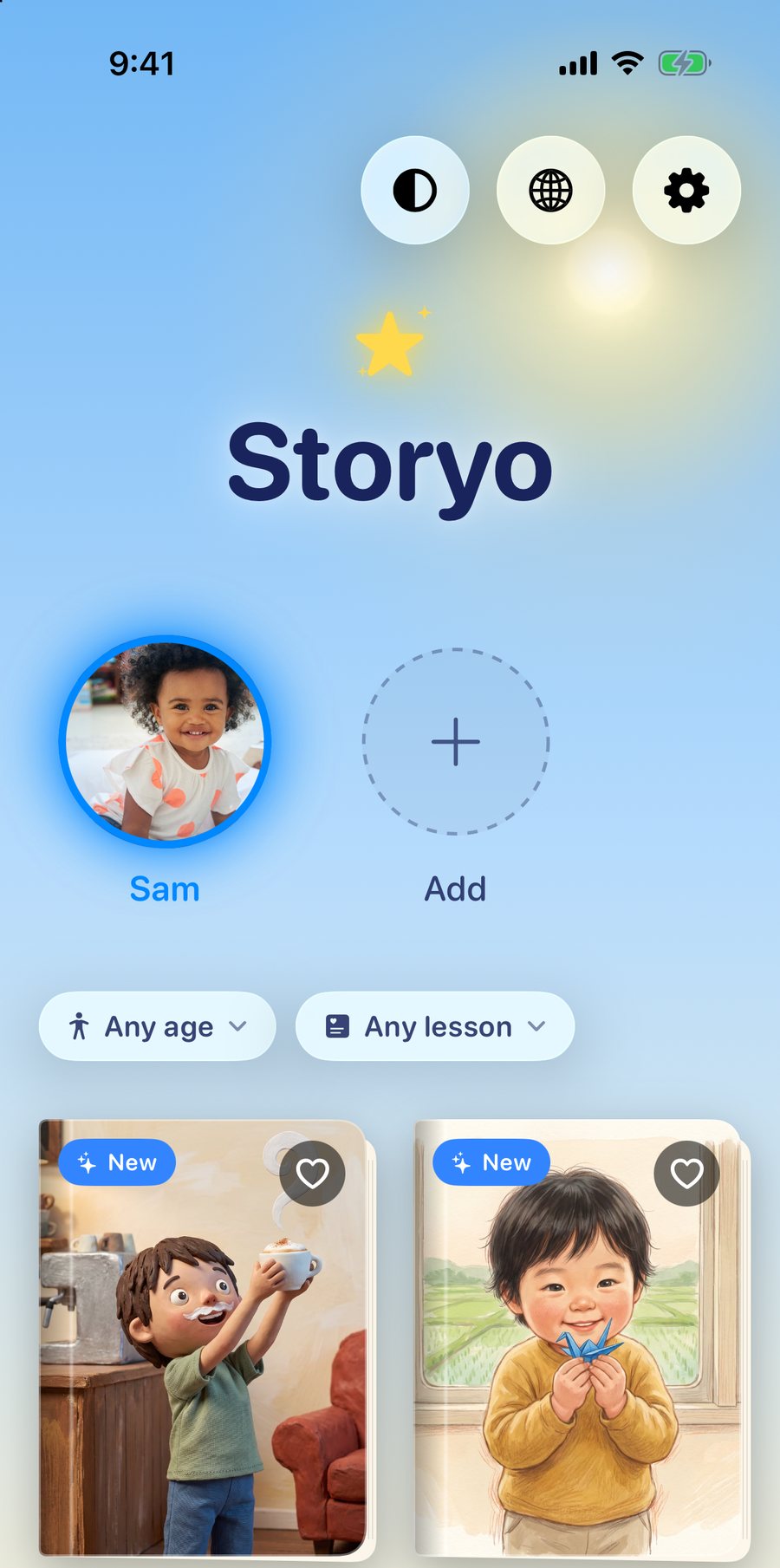
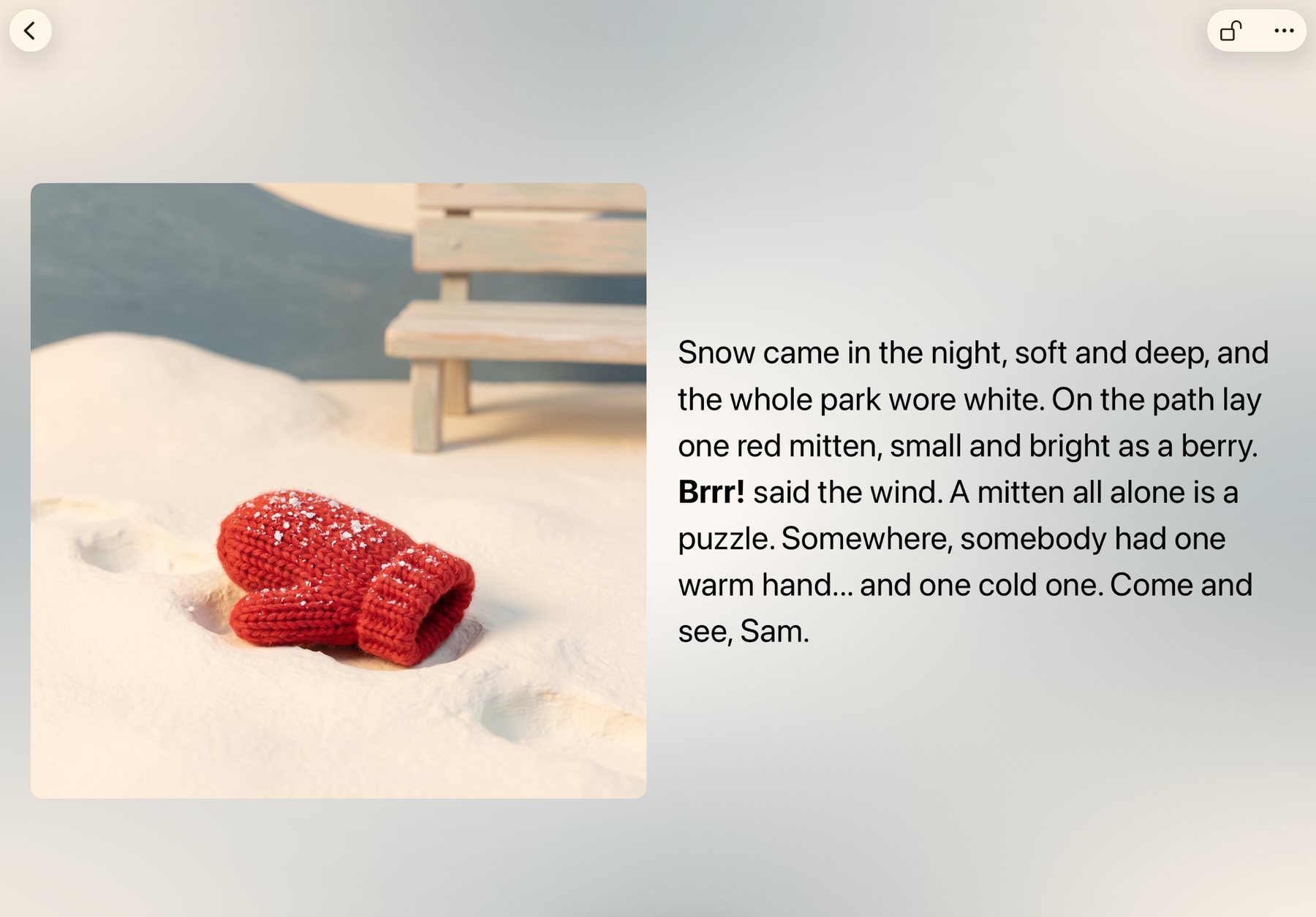
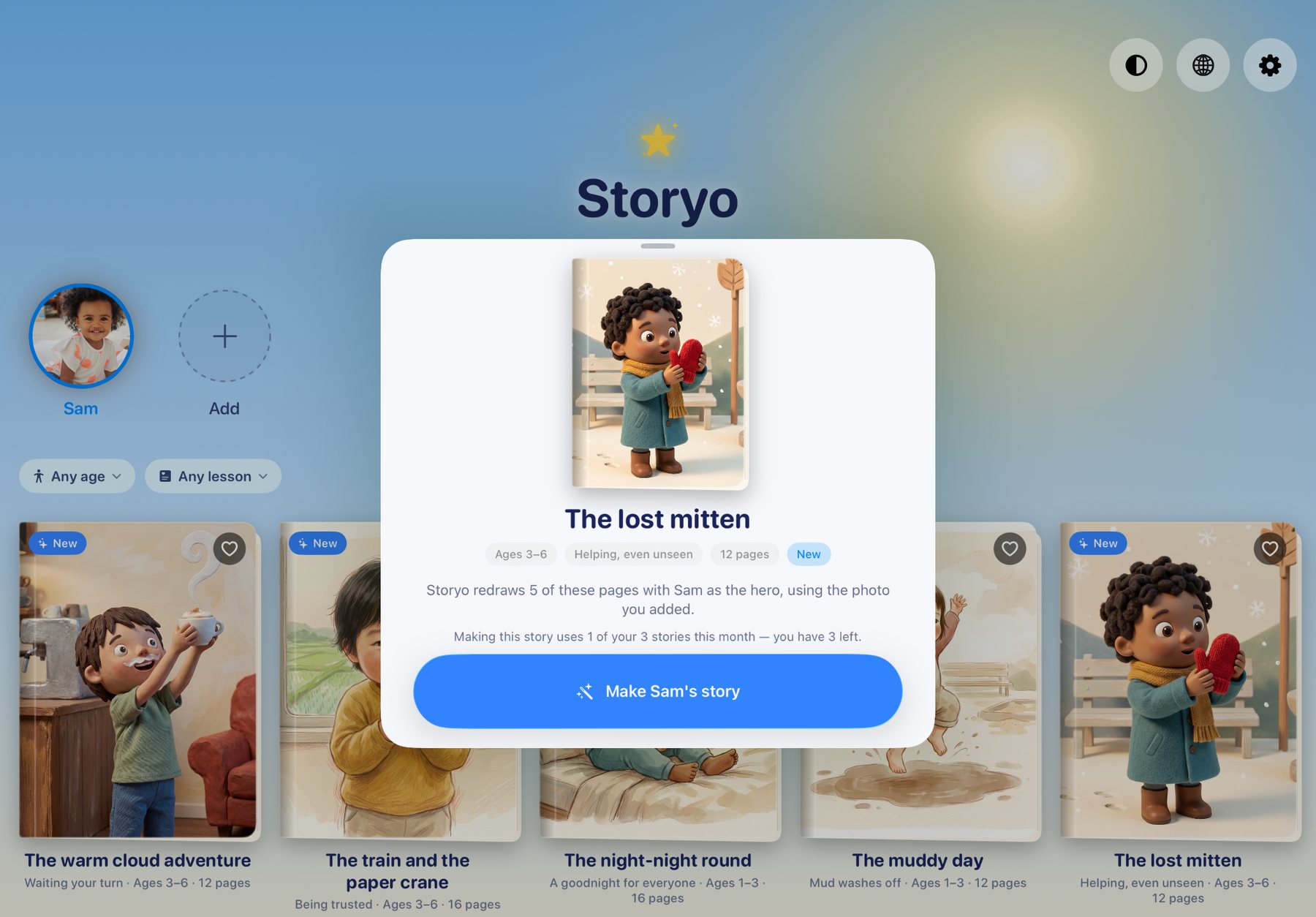
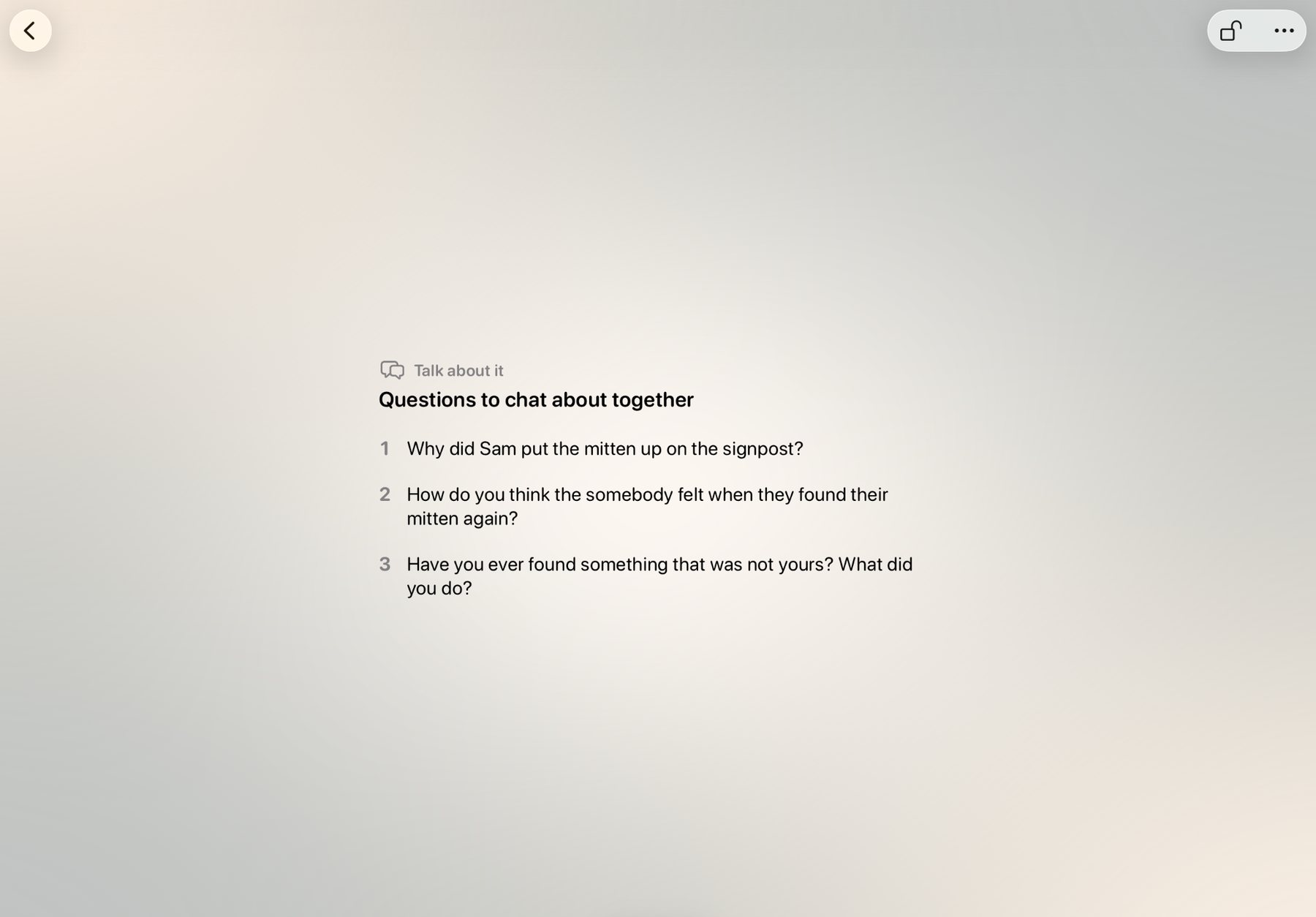
Point at everything. The page stays put.
Toddlers read with their fingers: the dog, the moon, the red mitten. Ours kept turning the page by accident halfway through pointing, so we added a lock. One tap and the picture is theirs to explore.
-
Tap the lock
It sits in the corner while you read. Once it's closed, swipes and taps on the page do nothing. Tap it again to switch it off.
-
Let them explore
Your child can poke, pat and trace the picture for as long as they like, and the story waits on the same page.
-
Hold to turn
When you're ready, hold the button by the page dots and swipe with your other hand. If a swipe is refused, the button gives a little shake to show you the way.
16 stories, with a new one each month
Every book is written for reading aloud and built around one small idea a child can hold on to.
Ages 1 to 3
Short lines, big sounds, and a refrain to say together.
-
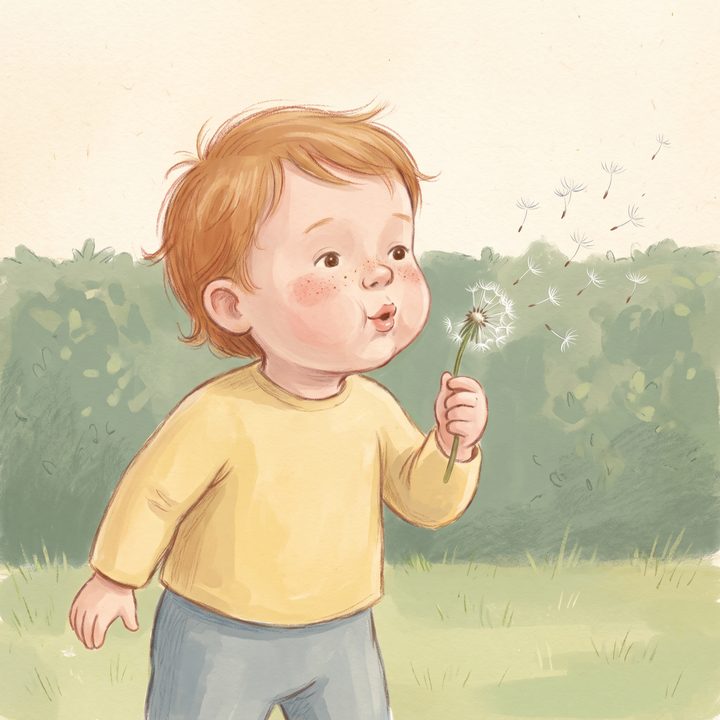
Blow, wind, blow
Big breaths, soft breaths
-
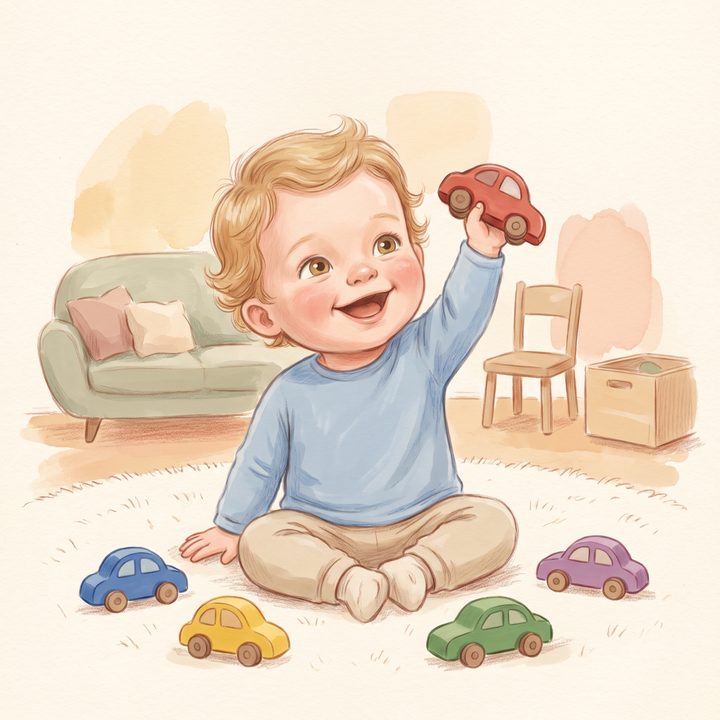
Five little cars
Putting toys away
-
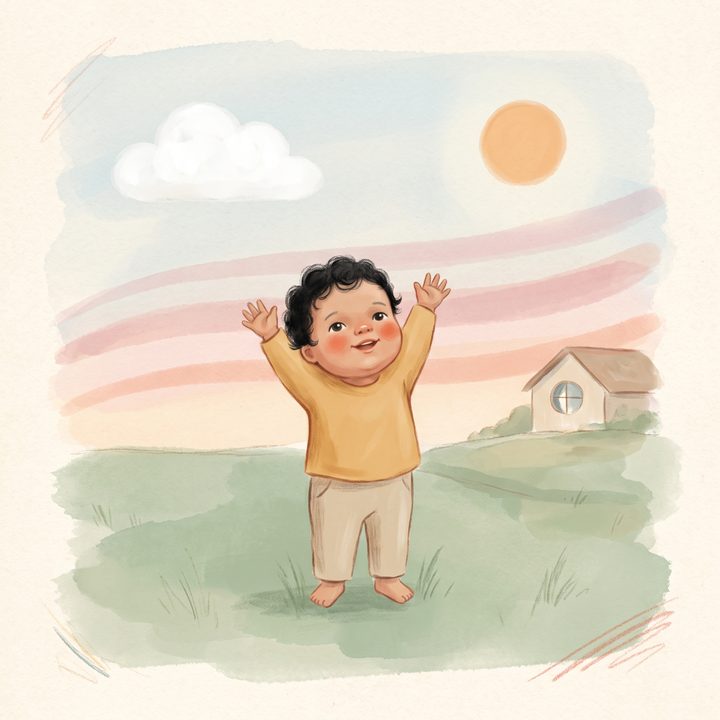
Hello, sky
Storms always pass
-

My baby, my inspiration
You are loved
-
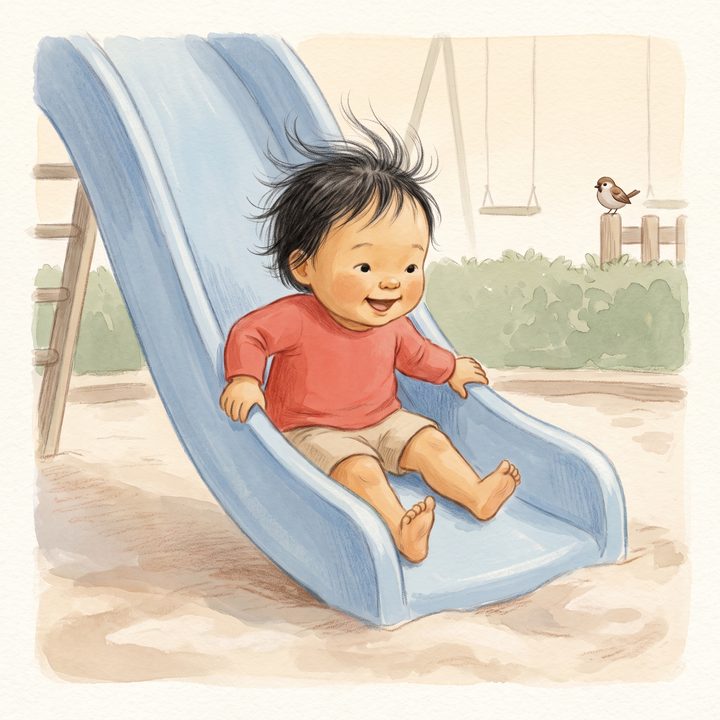
The big slide
Nervous, then brave
-
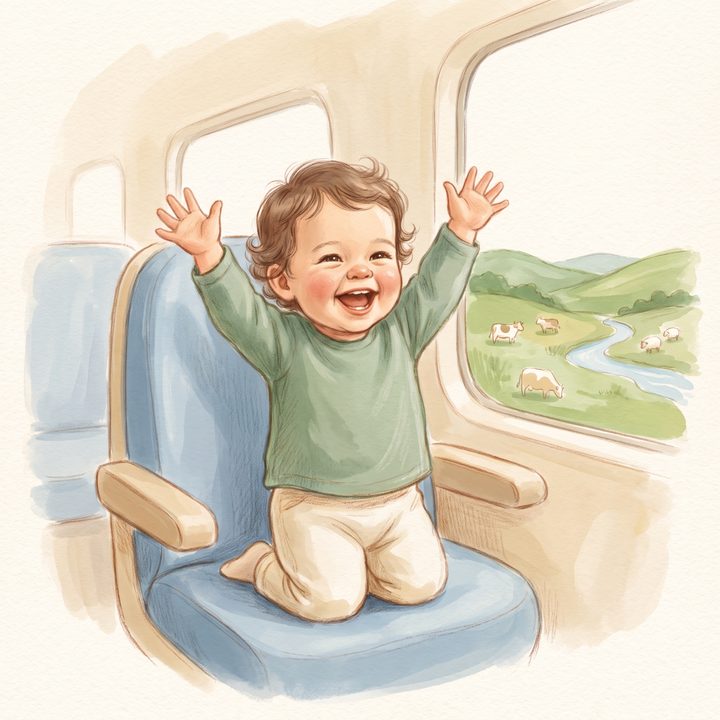
The little blue train
Finding fun in waiting
-
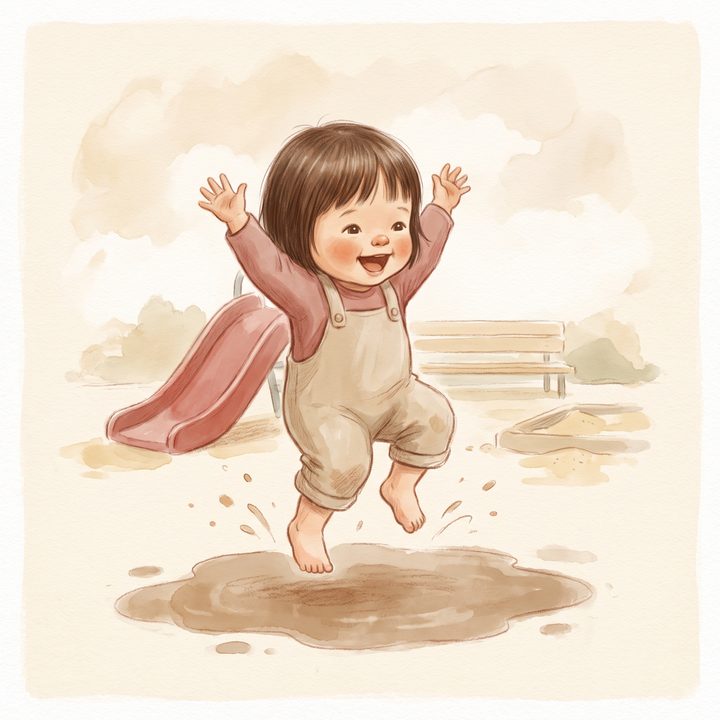
The muddy day
Mud washes off
-
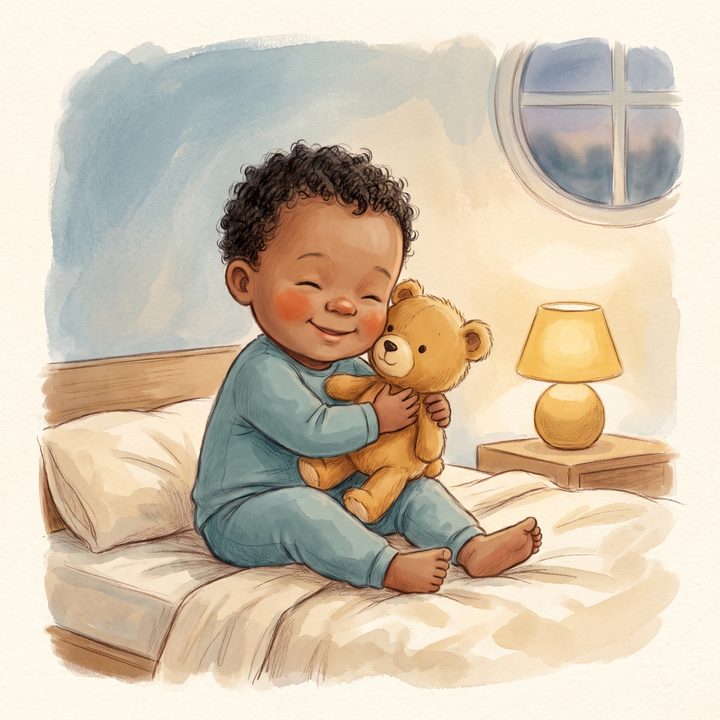
The night-night round
A goodnight for everyone
Ages 3 to 6
A small problem, a choice to make, and something to talk about after.
-
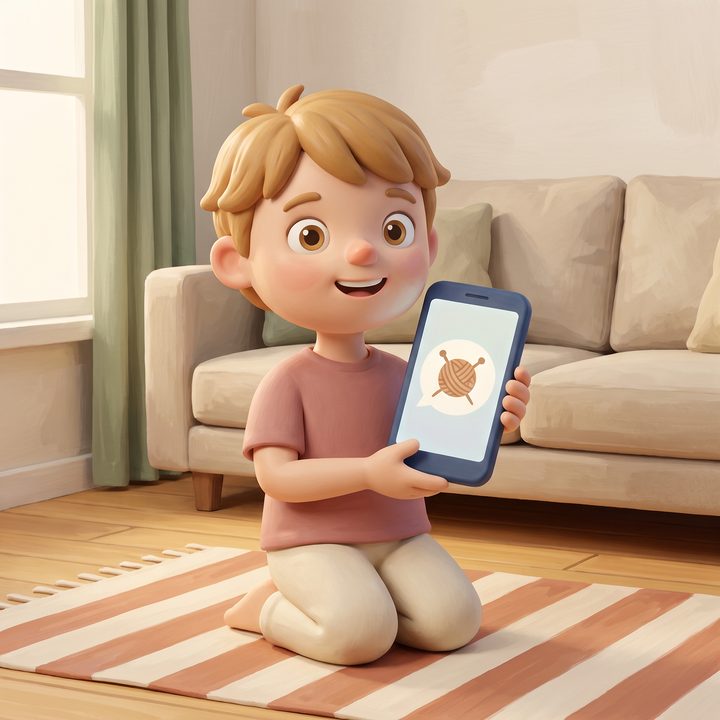
Look what I made
Waiting is doing
-
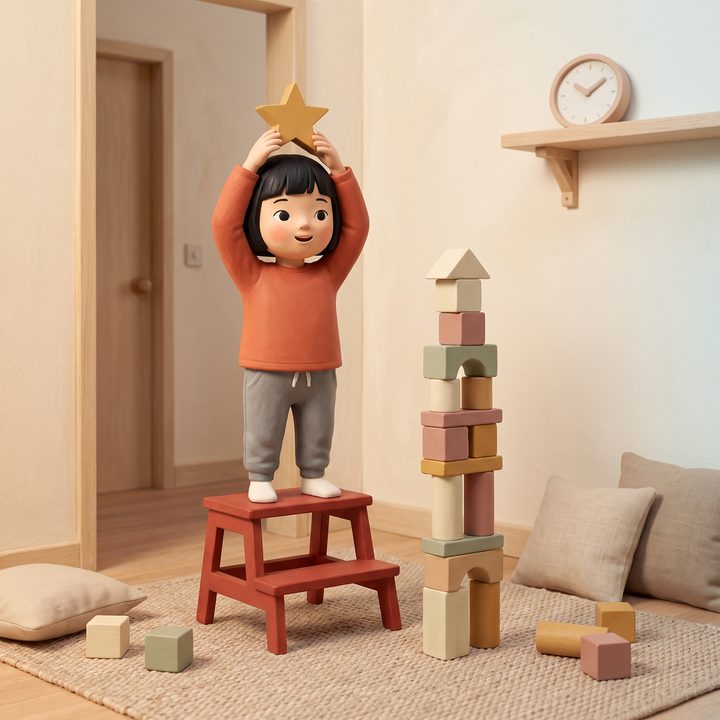
Four little words
Help is one ask away
-
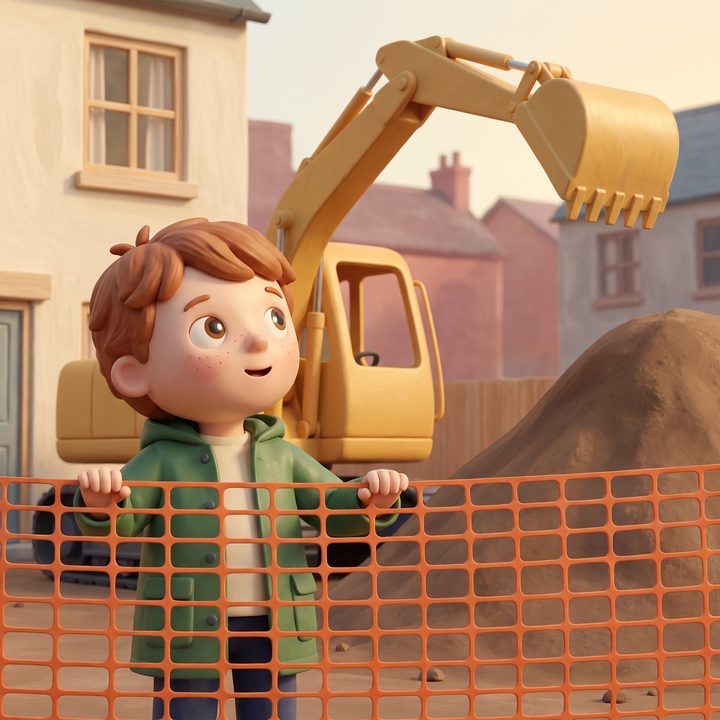
Scoop by scoop
Big things, little scoops
-
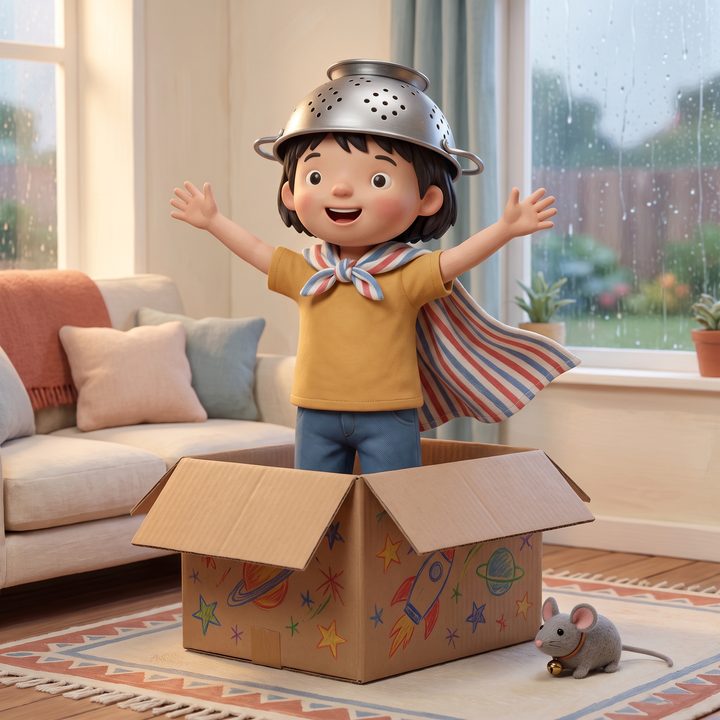
The box
Using imagination
-
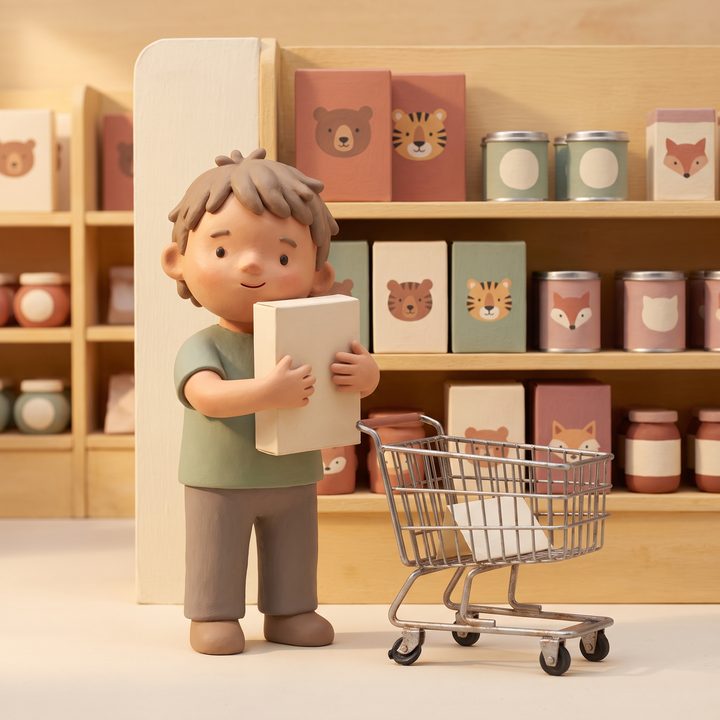
One thing
Choosing one thing
-
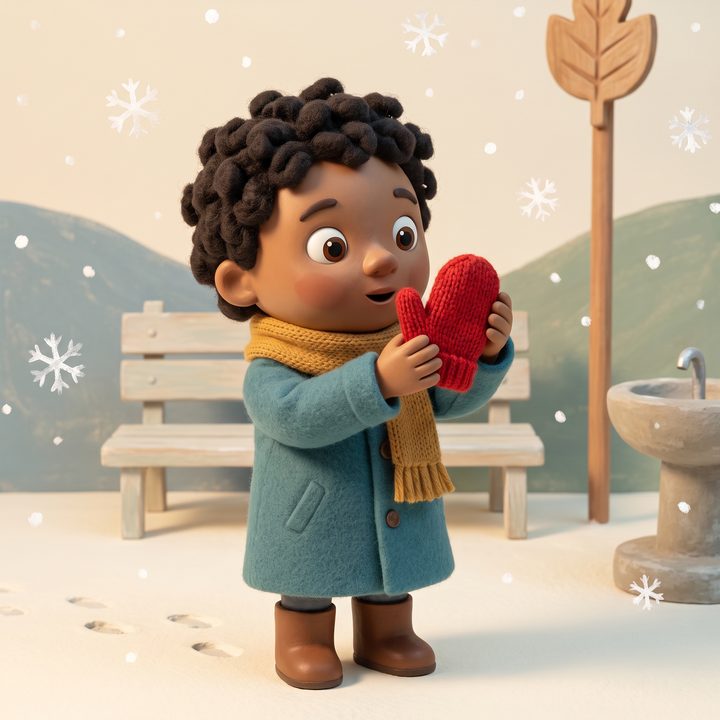
The lost mitten
Helping, even unseen
-
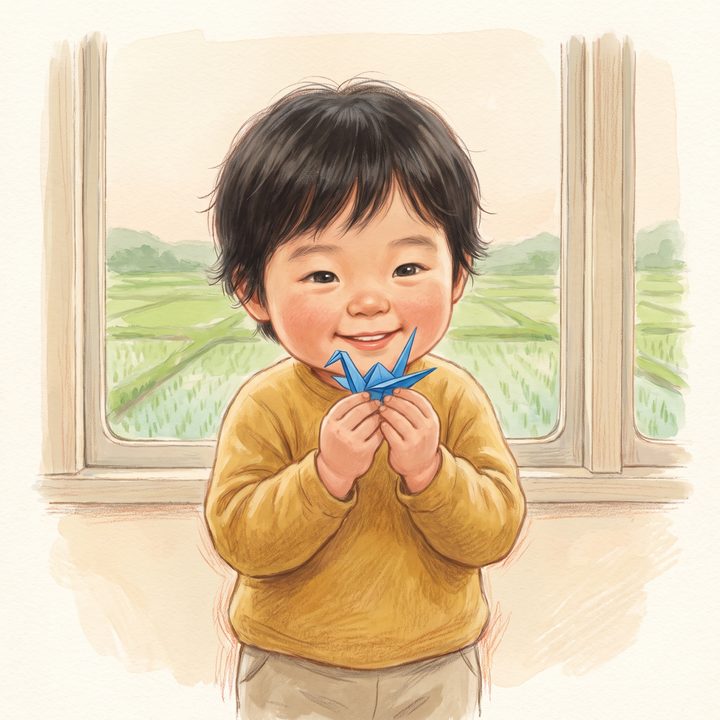
The train and the paper crane
Being trusted
-
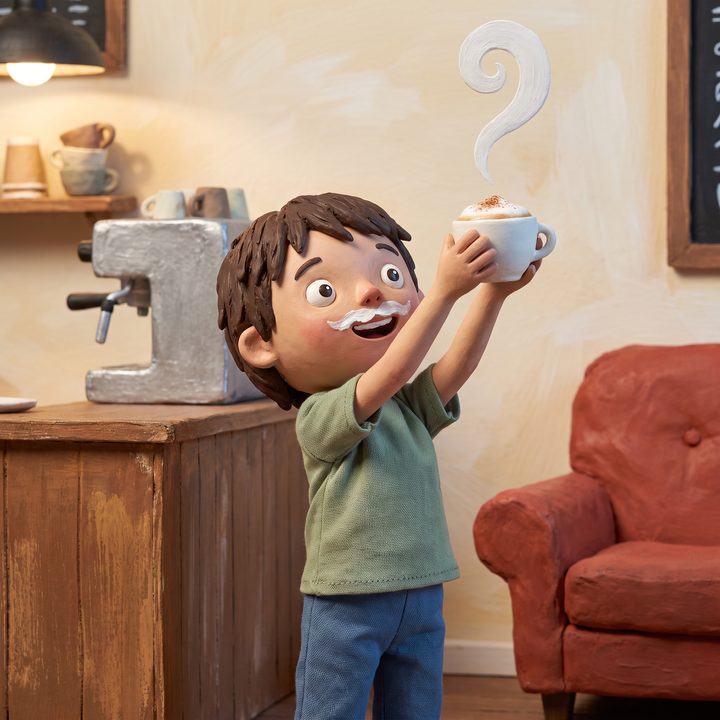
The warm cloud adventure
Waiting your turn
Made for a lap, not for a car seat
A picture book works because someone reads it with you. We built Storyo to keep a grown-up in the room and to stop when the story does.
What the research says, and how we'd use Storyo- Questions at the end of every book
- The last page is called Talk about it: a few things to ask each other about what just happened.
- Books that end
- Twelve to sixteen pages, then the back cover. Nothing plays by itself and nothing queues up next.
- You are the narrator
- No recorded voice plays over the story. The words are set large so you can read them aloud, and you turn the pages.
- Nothing pulling them back
- No ads, no streaks, no prizes, no notifications.
- Nine languages
- English, Deutsch, Español, Français, Italiano, Português, Shqip, 한국어 and 日本語. Read the story in one language while the app stays in another.
What happens to the photo
- We don't keep itThe photo is sent to Google's image service to paint each page, and our servers hold it only while that happens. Only the finished drawings are saved.
- The name stays on your deviceStories are put together on your iPhone or iPad. We never receive your child's name.
- No ads, and nothing soldThere is no advertising in Storyo, we collect no advertising identifiers, and photos are never used to train AI models.
- Grown-ups hold the keysBuying, sharing and deleting sit behind a parent-only gate. You can delete a child, or everything, from inside the app.